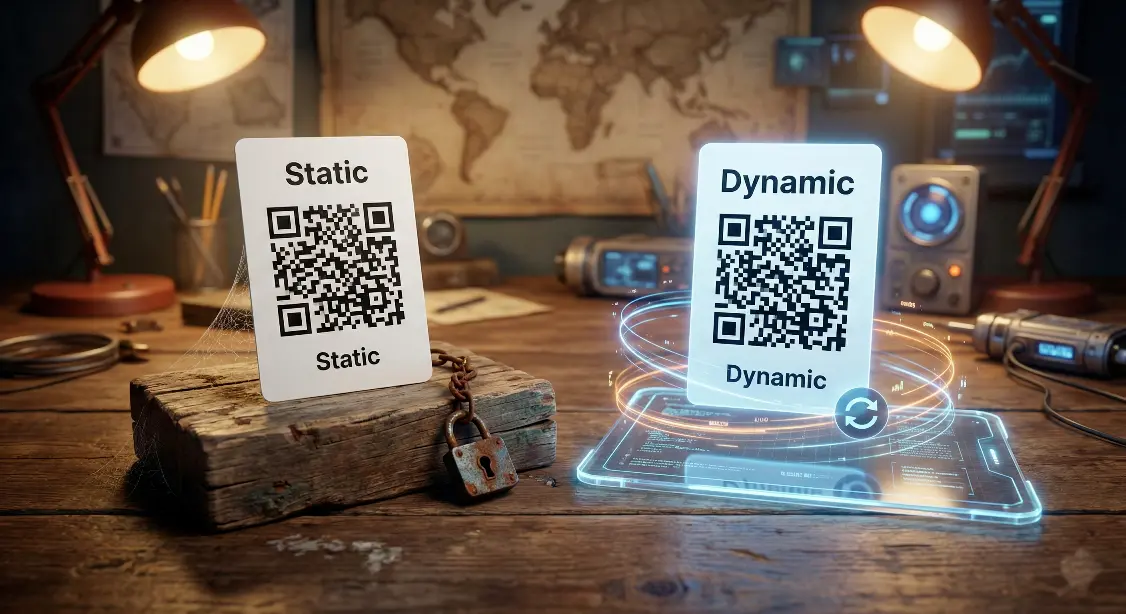
Confused between static and dynamic QR codes? Learn the difference, how each one works, and which type is better for business, marketing, Wi-Fi, menus, and tracking.
QR codes may look the same on the outside. but not all QR codes work the same way. The two most common types are Static QR Codes and Dynamic QR Codes, and choosing the right one can make a big difference, especially if you’re using QR codes for business, marketing, Wi-Fi access, menus, or campaigns.
In this simple guide, we’ll explain the difference in plain language, show real life examples, and help you decide which QR code type is right for you.
What is a Static QR code ?
A static QR code contains fixed information. Once it is created, the data cannot be changed.
Examples include:
If you print the code and later want to change the link or details, you must create a new QR code.
Best for
- Personal use
- One-time sharing
- Permanent information
Limitations
- Cannot be edited
- No scan tracking
- Must be reprinted if details change

What is a Dynamic QR code ?
A dynamic QR code does not store the final data inside the QR itself. Instead, it points to a short link that you can update anytime.
That means you can:
- Change the destination later
- Track scans and analytics
- Enable/disable the QR code
- Use one code for many campaigns
You don’t need to reprint the QR if something changes you simply update the link in your dashboard.
Best for
- Businesses & marketing campaigns
- Restaurants & digital menus
- Trackable campaigns
- Events and promotions
Key Advantages
- Editable anytime
- Scan tracking & analytics
- Faster loading and cleaner design

Static vs Dynamic QR codes - Quick comparison
| Feature | Static QR Code | Dynamic QR Code |
| Editable after printing | ❌ No | ✔ Yes |
| Scan tracking | ❌ No | ✔ Yes |
| Works offline | ✔ Yes | ✔ Yes |
| Best for personal use | ✔ Yes | ➖ Optional |
| Best for business/marketing | ❌ Limited | ✔ Highly recommended |
| Requires reprinting | ✔ Yes | ❌ No |
Which QR Code should you choose ?
Choose a static QR code if:
- The information will never change
- You need a simple one-time code
- You’re creating a personal or small use QR
Choose a dynamic QR code if:
- You need flexibility
- You may update content later
- You want analytics and tracking
- You’re running marketing activities
Real world examples
For Home / Personal Use
- Wi-Fi QR code → Static is enough
Café / Restaurant Menu
- Menu or price updates → Dynamic is better
Business or Marketing Campaign
- Posters, ads, social promotions → Dynamic required
Event Pass or Ticket
- Details may change → Dynamic recommended
Final Recommendation :
If your goal is simplicity and permanent information, static QR codes work great.
But if you’re serious about business, marketing, or growth, a dynamic QR code gives you control, flexibility, and analytics, making it the smarter long-term choice.
You can create both types of QR codes for free using :
MakeQRFree.com - Free QR Code Generator
FAQ Section :
Q1. Can I convert a static QR code into a dynamic QR code later?
No, once created, a static QR code cannot be converted. You must generate a new dynamic QR code.
Q2. Do dynamic QR codes require internet?
Yes, they need internet to redirect the link, but scanning works offline.
Q3. Are dynamic QR codes more secure?
They are safer for business use because you can update, disable, or replace links anytime.
**Author : Make QR Free Team**
Make QR Free Team writes practical, easy-to-understand guides about QR codes and digital tools. He focuses on helping individuals and small businesses use technology in smarter and simpler ways.