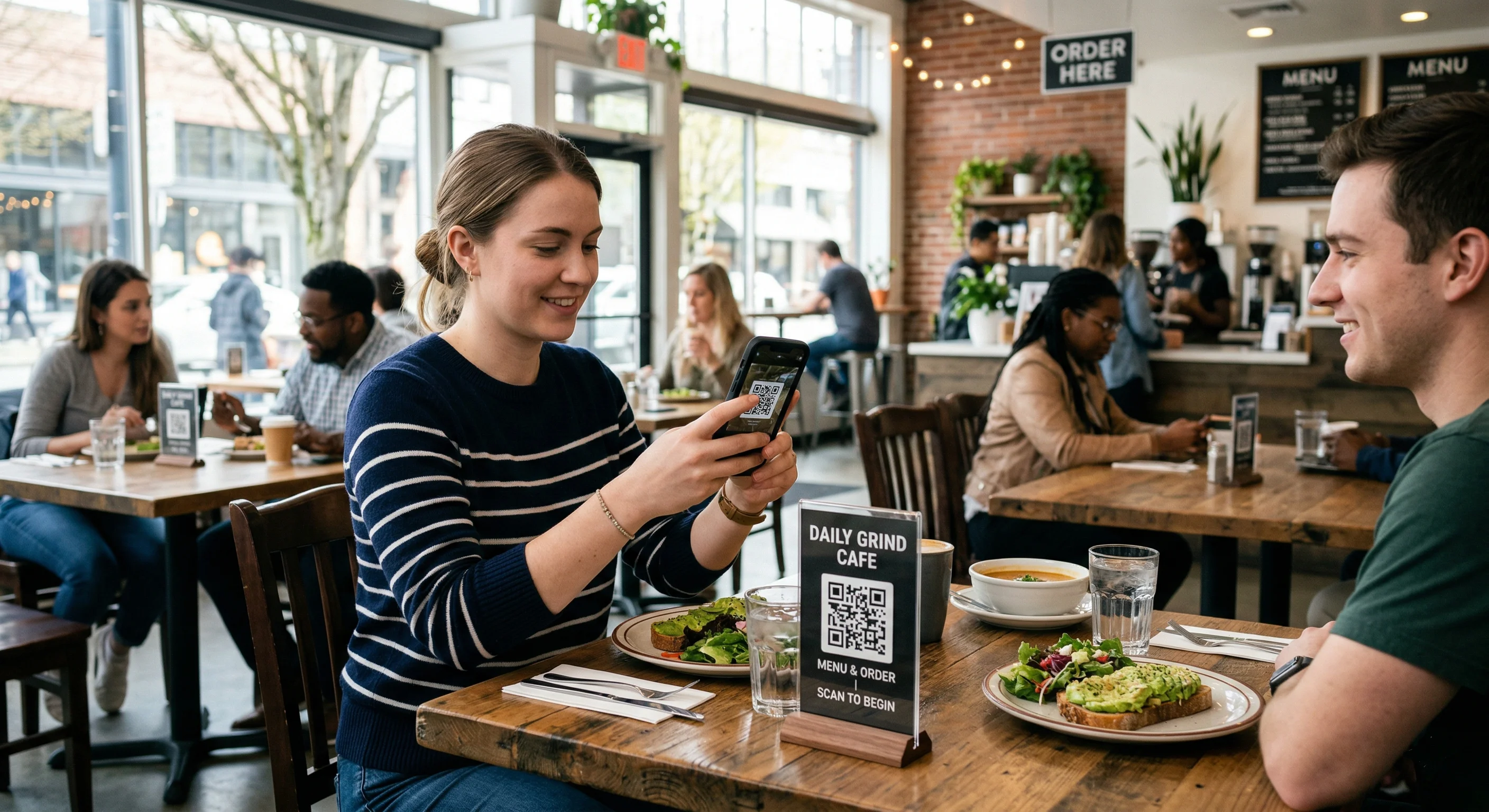
Create a QR code for your restaurant menu in seconds. Let customers scan and view your menu instantly. Free, fast, and perfect for USA restaurants.
How to Create a QR Code for Restaurant Menu (Free Guide)
QR codes have become a standard in restaurants across the USA. Instead of printed menus, customers can simply scan a QR code and view the menu instantly on their phone.
If you run a restaurant, cafe, or food business, using a QR code for your menu can improve customer experience and reduce costs.
What is a Restaurant Menu QR Code?
A restaurant menu QR code allows customers to scan and access your digital menu instantly. It eliminates the need for physical menus and makes ordering faster and more convenient.
Why Restaurants in the USA Use QR Codes ?
• Contactless ordering experience
• Faster service for customers
• No printing costs
• Easy to update menu anytime
How to Create a QR Code for Your Menu ?
1. Upload your menu (PDF or website link)
2. Go to a QR code generator
3. Select “URL” or “PDF” option
4. Paste your menu link
5. Generate your QR code
6. Download and print it
.

.
👉 Create your free menu QR code here: https://makeqrfree.com/
Where to Place Your QR Code
To get the best results, place your QR code in visible locations:
• On restaurant tables
• At the entrance
• On takeaway packaging
• On posters and walls
Best Practices for Menu QR Codes
• Use high-quality print for scanning
• Keep QR code large and visible
• Add “Scan to View Menu” text
• Test the QR code before printing
Benefits for Restaurant Owners
Using QR codes can help you:
• Improve customer satisfaction
• Speed up ordering process
• Reduce operational costs
• Update menu instantly without reprinting
Is It Safe and Reliable?
Yes, QR codes are safe and widely used in the USA. Just make sure your menu link is secure and always accessible.
Final Thoughts
QR codes are transforming how restaurants operate. If you want to modernize your business and improve efficiency, using a QR code for your menu is a smart move.