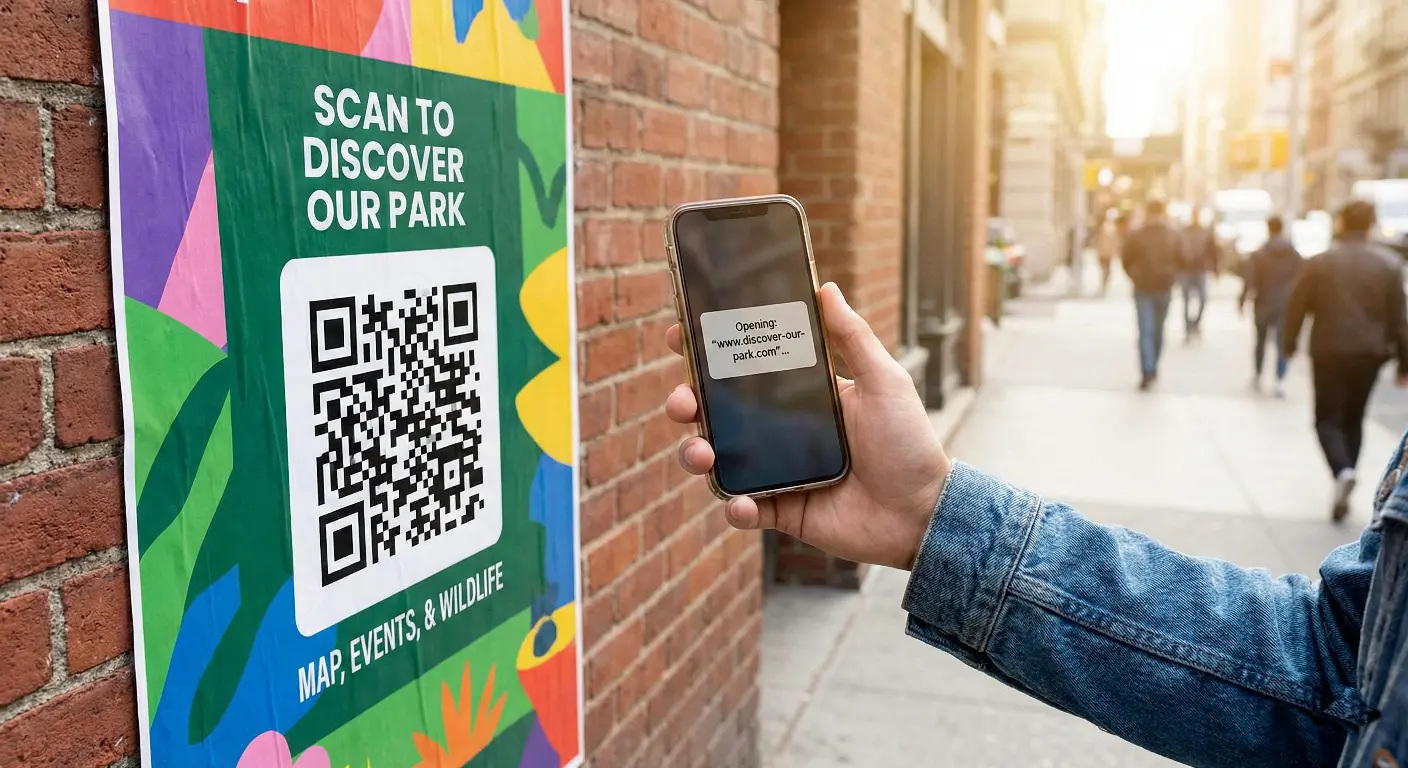
Learn how to create a QR code for any website link in a few simple steps. Beginner friendly guide with examples, tips, and best practices for real world use.
Sharing a website link through text or typing can sometimes be slow and inconvenient, especially when people are in a hurry. That’s where a QR code for a website link becomes extremely useful.
Instead of typing the link manually, a user can simply scan the QR code with their phone and instantly open the webpage. Whether you’re promoting a product, sharing a landing page, or linking to a blog, website QR codes make things faster and easier.
In this simple beginner-friendly guide, you’ll learn how to create a QR code for any website link and how to use it effectively in real-world situations.
What is a Website QR code?
A website QR code is a QR code that contains a URL (web link). When someone scans it, their phone automatically opens that webpage in the browser without typing the link manually.
Marketers, businesses, students, restaurants, and professionals use website QR codes because they are:
- Simple and easy to scan
- Faster than typing long URLs
- Perfect for sharing digital content offline

How to create a QR code for a website link ?
Follow these easy steps:
- Copy the website link you want to share
- Open MakeQRFree.com
- Select URL / Website QR Code
- Paste your link
- Customize the design (optional)
- Click Generate QR Code
- Download your QR code as PNG or SVG
Your QR code is now ready to print, share, or use online.

Tips for using website QR codes safely :-
To ensure the best user experience:
- Use a short and clean website link
- Always test the QR code before sharing
- Avoid linking to pages that may change or move
- Use a contrasting color for better scanning
- Place the QR code at a visible size (minimum 2.5 cm)
Where can you use a website QR code?
Website QR codes can be used in many real life situations, including:
- Flyers, posters, banners, and advertisements
- Product packaging and user manuals
- Payment desks and shop counters
- Business cards and brochures
- Event tickets and invitation cards
- Restaurant table tents and menus
- Online campaigns and digital promotions
They help bridge offline users to online platforms instantly.
Static vs Dynamic website QR codes :-
Static website QR code
- The link cannot be changed after creation
- Best for permanent pages, simple links
Dynamic website QR code
- The link can be updated anytime
- Supports scan tracking and analytics
- Best for marketing and campaigns
If you plan to run long term promotions, dynamic QR codes are the smarter option.
Final Thoughts
Creating a QR code for a website link is one of the simplest and most powerful ways to share information. It saves time, improves accessibility, and provides a seamless user experience.
You can create your own free website QR code anytime using :
MakeQRFree.com - Free QR Code Generator
FAQ Section :
Q1. Can I change the website link after creating a QR code?
You can change it only if you use a dynamic QR code. Static QR codes cannot be edited.
Q2. Do website QR codes work without internet?
No, scanning requires an internet connection to open the webpage.
Q3. Can I use a QR code for multiple website links?
Yes, by redirecting links using a dynamic QR code.
Q4. Do QR codes for websites expire?
Static codes do not expire. Dynamic ones depend on the provider.
**Author: Make QR Team**
Make QR Team is a tech enthusiast and digital tools researcher who writes practical guides about QR codes, productivity tools, and digital utilities. His goal is to help beginners understand technology in a simple and meaningful way.